Portfolio

Selected work

A few ways I bring ideas to life.

A selection of cinematic, editing, and web work. Each project starts with a clear story and a thoughtful finish.
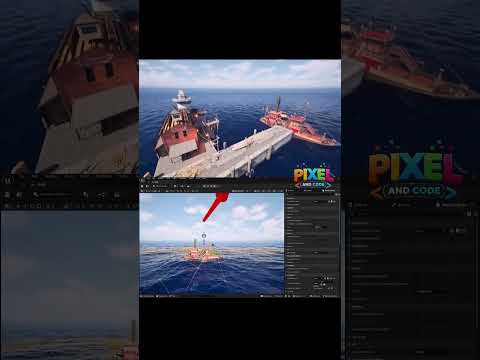
Implemented a proximity-based crocodile AI behavior in Unreal Engine using Blueprint.
Unreal Engine 5 · Cinematic

Implemented a proximity-based crocodile AI behavior in Unreal Engine using Blueprint.

2 views

The system uses: - `Event BeginPlay` to start the looping walking animation. - `Event Tick` to check the player continuously. - `Get Player Pawn` with Player Index `0` to find the player. - `Is Valid` to protect the graph from invalid player references. - `Get Actor Location` and `Vector Distance` to measure player distance. - `Less Equal` with `800.0 cm` for the look-at range. - `Find Look at Rotation` with a `-90.0 degree` yaw correction because the crocodile mesh faces along the Y axis. - `Set Actor Rotation` to face the player. - `Less Equal` with an `Attack Range` of `750.0 cm` to determine when the attack can begin. - `Get Is Attacking`, `Not Boolean`, and `Branch` to prevent repeated attack calls every frame. - A custom `AttackLoop` event to organize the attack sequence. - `Set Is Attacking` to lock and release the attack state. - `Play Animation` for the walking and attack animations. - `Audio Component Play` for the crocodile attack sound. - `Delay` set to `1.266667 seconds`, matching the attack animation length. - A second distance check after the delay to decide whether to attack again or return to walking. Next: I’m adding movement sound effects for the character, including walk, run, and jump audio to make the animation feel even more immersive. This creates a reusable AI pattern where the crocodile tracks the player, attacks within range, repeats the attack while the player remains close, and returns to its walking animation when the player moves away.

Watch video ↗